top of page

Read your support plans in iplanit

Your support plan has information about you and how you want to be supported by MASH.
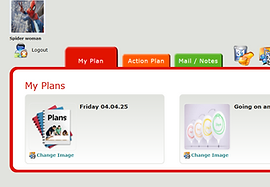
To read the support plans MASH has for you, click the My Plan tab.
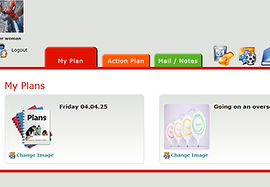
Click on the plan you want to read.

This will show you different parts of your plan that you can click to read.

In each of the parts of your support plans, you can add your own images, videos, and sounds by clicking Add

You must enter a Title for the image, video, or sound.

Click Add Files to find the image, video, or sound you want to add.

Click Start Upload to save the image, video, or sound to iplanit
bottom of page